Hard spending limits for AI agents. Checked BEFORE the call, not after the bill.
Valta sits between your agent and OpenAI. Set a cap per agent — per run, per day, per month. If the next call would go over, it's refused before it reaches OpenAI. If Valta can't decide, nothing is sent.
Works with OpenAI-compatible Chat Completions · Free plan, no card
Wallet "public-demo" has a $3.00 per-transaction limit. A spend request for $10.00 comes in through the same public API every Valta agent uses.
DENIED
Amount $10.00 exceeds per-transaction limit of $3.00 on wallet "public-demo"
A real denied request and its audit receipt, from production
Control every paid call
Budget boundaries for every agent.
Per-agent budgets
Set a cap per run, per day and per month for each agent. When the next call would go over, it's refused before it reaches OpenAI — a retry loop can't keep paying.
Fails closed
If Valta can't make a decision, the call is not sent. A refused call never reaches OpenAI, and shows up as your agent's last deny in the dashboard.
Kill switch + deny log
Freeze an agent with one toggle. Every refused request is recorded with the reason, outside the agent's control.
from openai import OpenAI

client = OpenAI(
    base_url="https://valta.co/v1",
    api_key="vk_live_...",  # your Valta virtual key
)
# Same calls as before. Over the cap, Valta refuses them first.
Today: Chat Completions only, no streaming. The check uses a worst-case estimate from max_tokens, so treat it as a hard stop, not to-the-cent accounting.
You keep paying OpenAI directly. Valta decides whether the call goes out.
Key custody
Your agent never holds your OpenAI key.
Your agent gets a Valta virtual key. Your real OpenAI key is encrypted in Valta and used only after the cap check passes. Revoke the virtual key or freeze the agent and its calls stop.
Keep the real key out of your agent's environment, or it can still call OpenAI directly.
Your agent
vk_live_••••
Virtual key only
Valta
Cap check first
Encrypted real key
The difference
Why not just use your own checks or OpenAI limits?
The important difference is where the decision happens — and whether it can stop a call before it leaves your agent.
| DIY check in your code | OpenAI project limits | Valta | |
|---|---|---|---|
| Where check runs | Inside your agent process | On OpenAI's side, after usage | Before the call, outside your agent |
| Who holds real key | Your agent / application | Your agent / application | Valta; agent has a virtual key |
| Per-run / per-agent caps | Whatever you build | Project-level limits | Per run, per day, per month, per agent |
| When it stops | When your code says so | Monthly hard limit returns 429; enforcement is not instantaneous and alerts do not stop traffic | Refused before it reaches OpenAI |
| If checker fails | Depends on your implementation | Not applicable | Fails closed; nothing is sent |
OpenAI's spend-limit documentation explains monthly hard limits, delayed enforcement, and alerts that do not stop traffic.
Data handling
What Valta stores.
The credential and request metadata needed to enforce limits and keep an audit trail — not your prompts or completions.
Encrypted OpenAI key
Only the last four characters are shown.
Hashed virtual key
Stored as a SHA-256 hash; the full key is shown once.
No request or response bodies
Prompt and completion content are not stored.
Per-request log
IDs, model, outcome, reason, estimated/actual cost, upstream status, and latency.
Try the protected path with one agent.
Free plan. No card required.
03
Drop the check into your agent
Change one base URL to valta.co/v1 (OpenAI chat completions), or use 8 lines of SDK.
Open the proxy guide →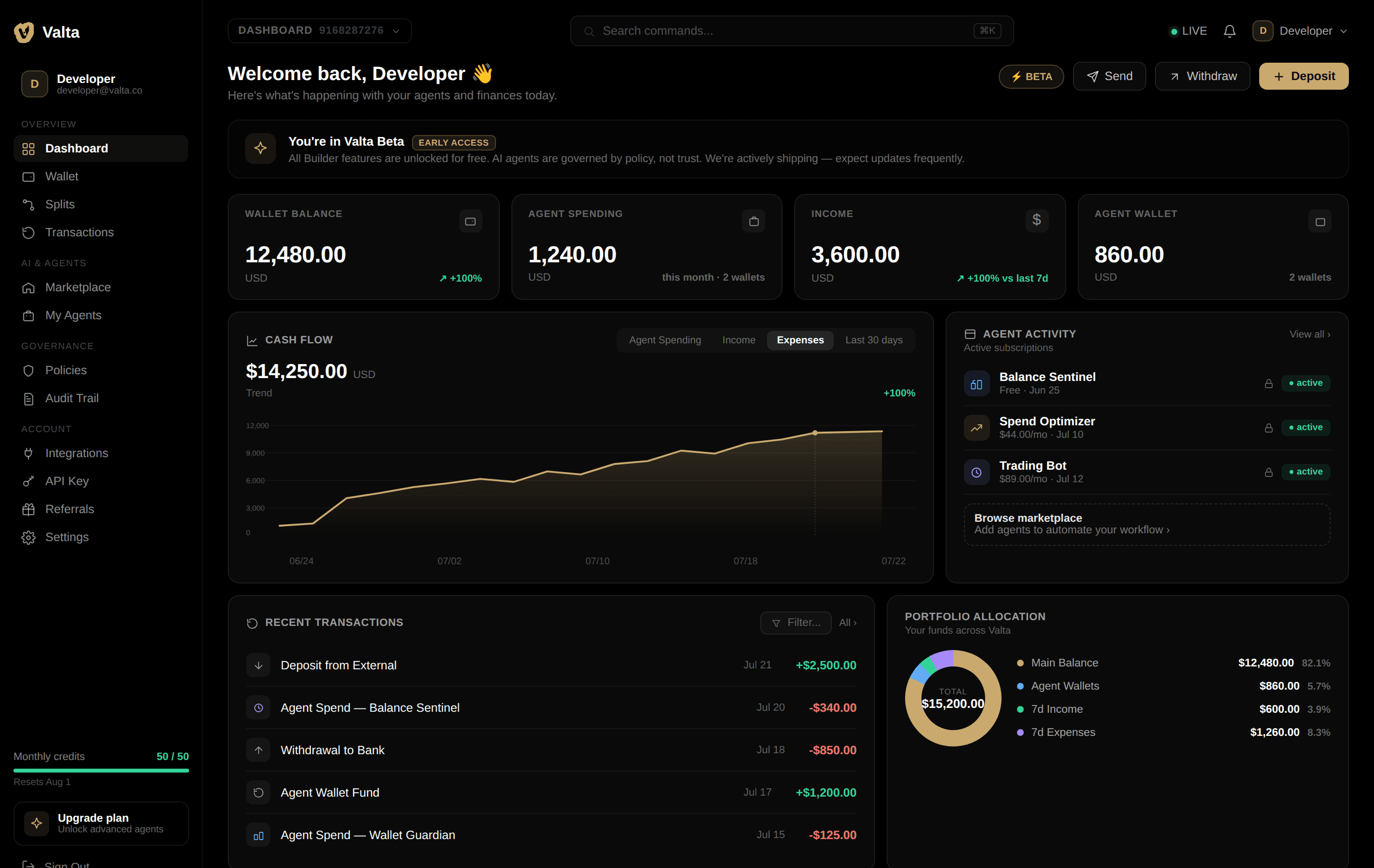
Every agent, every wallet, every dollar — in one dashboard.
Governance Infrastructure
Hard rules, not prompt suggestions. Enforced before spend.
Spending policies, a real kill switch, real-time signals, and trust scoring — on top of the wallet isolation and audit trail covered in Security & Compliance above.
03
Spending policies
Hard rules at the infrastructure layer: daily limits, per-transaction caps, and counterparty controls. The agent cannot negotiate past a policy because the platform enforces it.
Why it matters: Rules are binding, not prompt-level suggestions.
04
Kill switch
Freeze any agent with one API call or dashboard action. Pending spend stops; new spend is blocked until you unfreeze.
Why it matters: You can halt financial motion the moment something looks wrong.
05
Real-time governance signals
Webhooks and dashboard alerts surface policy hits, low balance, freezes, and anomalies while agents are still running — not after the month closes.
Why it matters: Operations teams react to spend events as they occur.
01
Payout timeout + retry
Same intent ID, no second send, proof of paid or not.
Why it matters: A retry after a timeout can't turn into a duplicate payment.
Up and running in under five minutes
Create your wallet
Sign up, wallet ready instantly. No bank account needed.
Fund it and set policies
Deposit funds, set per-transaction and daily limits per agent.
Deploy your agents
Every payment routes through Valta — checked, deducted, logged.
Stay in control
Review spend, get alerts, freeze agents — from one dashboard.
Infrastructure
How Valta Is Structured
Programmable payment infrastructure designed for AI-native systems.
User
Developer
AI Agent
Valta Core Infrastructure
API Layer
Wallet Engine
USD Balances
Ledger System
Audit Trail Engine
Hash-chained
Usage Metering Engine
Subscription Enforcement & Webhooks
AI Providers
Model APIs
AI Execution
Valta AI Engine
For Developers
Built for developers. Ready for enterprise.
A short integration surface. Full-stack financial governance, in whatever language your agents already run in.
valta.agents.create() — create an agent identity with a governed financial surfacevalta.policies.create() — assign daily spend controls that the infrastructure enforcesvalta.wallets.get() — read balances and wallet state for a single agentvalta.keys.create() — mint scoped API keys with instant revocationvalta.audit.list() — retrieve immutable audit history on demandvalta.agents.freeze() — stop financial access immediately when a policy or model fails$ npm install valta-sdkimport Valta from 'valta-sdk'
const valta = new Valta({ apiKey: process.env.VALTA_API_KEY! })
const agent = await valta.agents.create({
name: 'Treasury Manager',
type: 'financial',
})
await valta.policies.create({
agentId: agent.id,
name: 'default',
maxSpendPerDay: 500,
maxSpendPerTransaction: 100,
currency: 'USDC',
})
const balance = await valta.wallets.get(agent.id)
const logs = await valta.audit.list({ agentId: agent.id, limit: 20 })
await valta.agents.freeze(agent.id)The agent now operates under a $500/day spending limit. Every transaction is logged, signed, and auditable. One line to freeze it. One call to pull the complete audit trail.
Changelog
International card deposits via Paystack
Fund your wallet with a card from anywhere — no crypto required. Crypto (USDC on Base) still works exactly as before; card and crypto deposits both credit the same wallet.
Aug 6, 2026
Live context in agent chat
Agents now read your instructions plus live wallet balance, spend, and connected-app data on every message — not just at setup.
Jul 18, 2026
Free agents fixed for everyone
Balance Sentinel, Spend Optimizer, and the rest of the free tier now activate correctly for every new account, no exceptions.
Jul 14, 2026
Integrations panel stability
Fixed a crash when connecting a custom service without a base URL, and connected apps now show up correctly in agent permissions.
Jul 9, 2026
USDC deposits, live on Base
Every wallet gets its own on-chain address. Send USDC from anywhere and it's detected and credited automatically — no manual reconciliation, no support ticket.
Jun 30, 2026
Free to start on the Free plan — no surprises, no credit card required.
FAQ
Frequently asked questions
A financial control and governance layer for autonomous software. It gives AI agents governed financial access through enforceable spending policies, wallet state, and a tamper-evident audit trail.
See an agent get blocked before you fund anything.
Free plan, no deposit, no card. Watch the demo deny, then drop the check into your own agent.
Already have an account? Sign in →